New · QuickFX 3.0 for iPhone
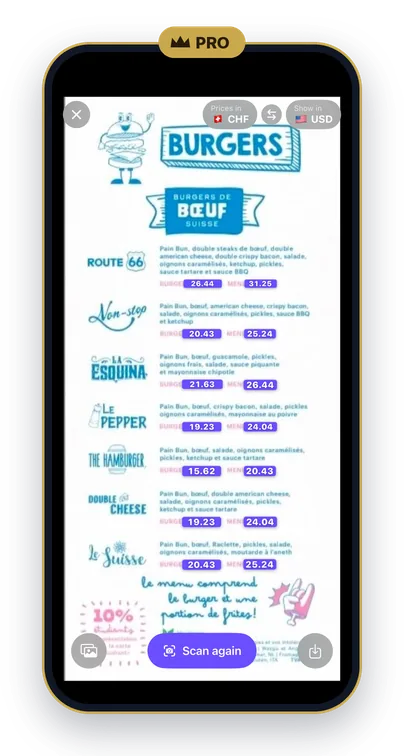
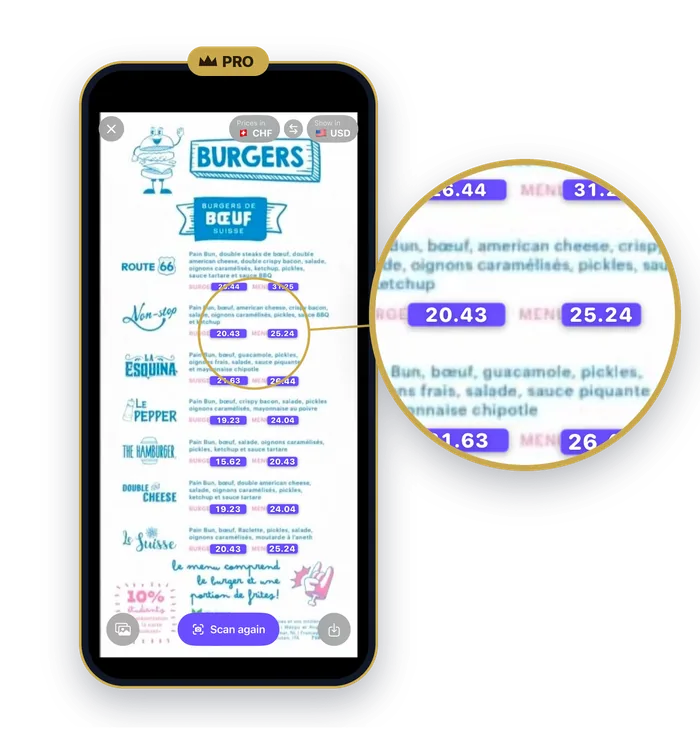
Point at a menu.
See your prices.
Our biggest update yet. QuickFX Pro converts every price right where it's printed. The converter stays free.

New in QuickFX 3.0
Everything in this section comes with QuickFX Pro. The converter is still free.
Point at a menu. See your prices.
Aim your camera at a menu or a price tag and every price is converted right where it's printed. Freeze the picture, zoom in, save it to Photos. It works sideways too, and it all happens on your iPhone.
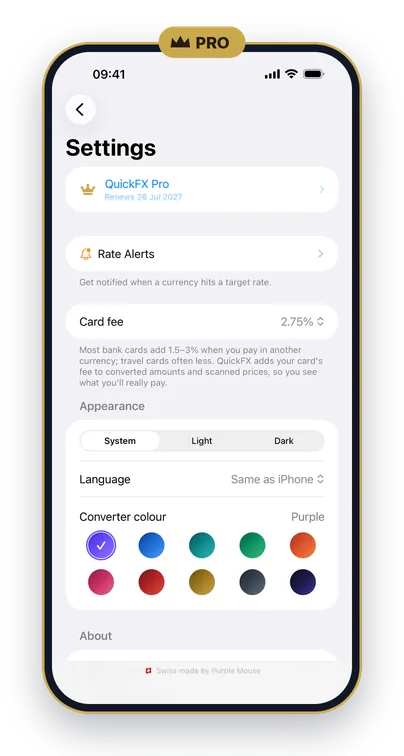
Know what your card really costs
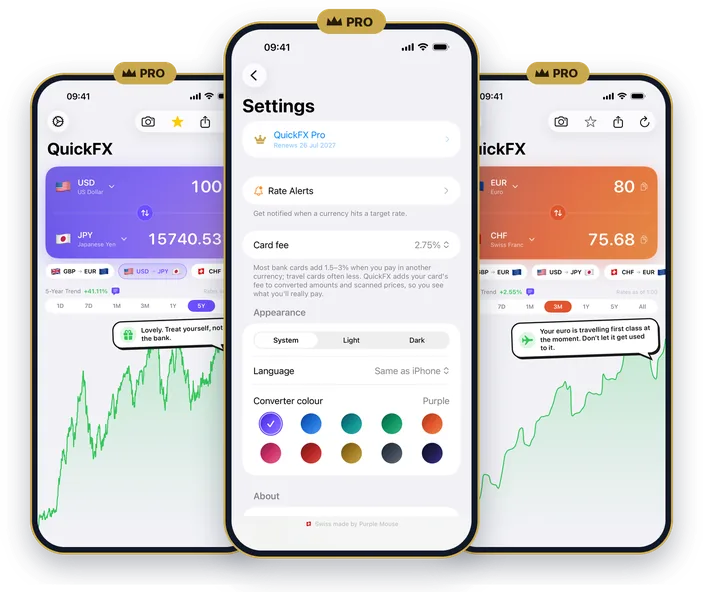
Add the fee your bank charges for paying abroad. The converter and the scanner then show what you'll really pay.
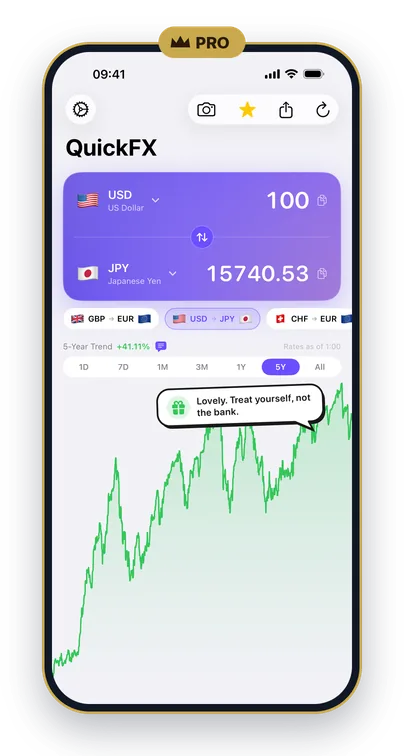
See the bigger picture
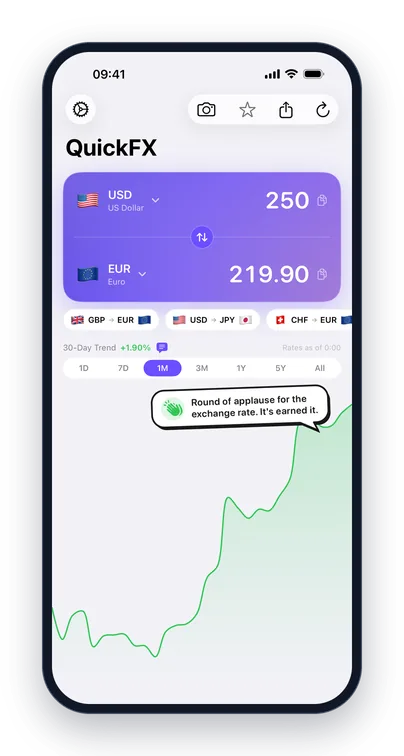
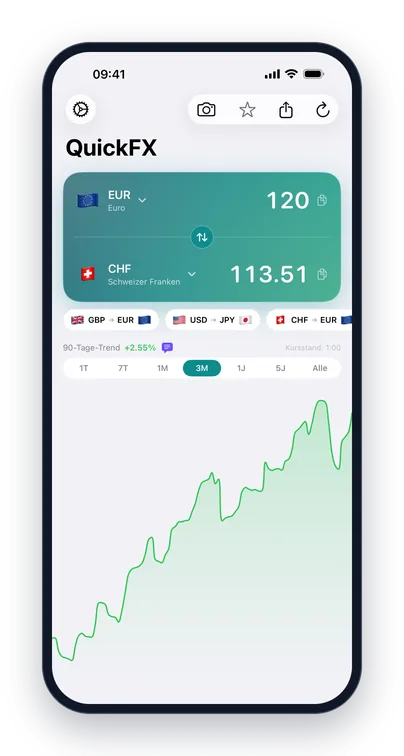
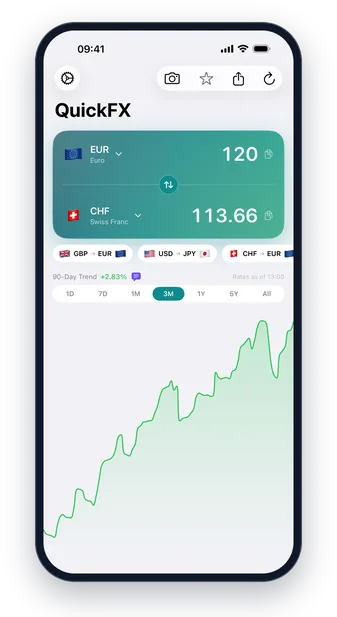
Charts from one day back to all time. The chart tip now talks about whichever period you're looking at.
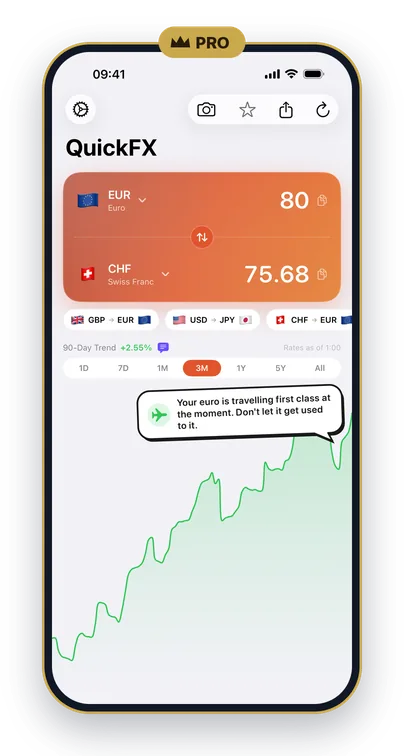
Make it yours
Ten colours for your converter.
Now in six languages
English, Deutsch, Français, Italiano, Español and Português (Brazilian). Free for everyone. Change it any time in Settings.
QuickFX Pro
QuickFX Pro is a yearly subscription in the iPhone app. The converter is free and always will be. No ads, no account.
What Pro adds
- Scan prices with your camera. They're converted right where they're printed. Freeze, zoom, save to Photos, all on your iPhone.
- Your card's fee, in the converter and on scanned prices.
- Longer charts, from one day back to all time.
- Ten colours for the converter.
- Chart tips on or off. Your call.
Next for Pro
Not in 3.0 yet: alerts that repeat ("tell me whenever GBP to EUR goes above 1.18"), a new alert for big daily moves and two more chart-tip personalities (one cheekier, one unhinged).
Free for everyone
All of this is free in the iPhone app. On Android, the free converter covers 30+ currencies.
160+ currencies
Pinned pairs
Chart tips
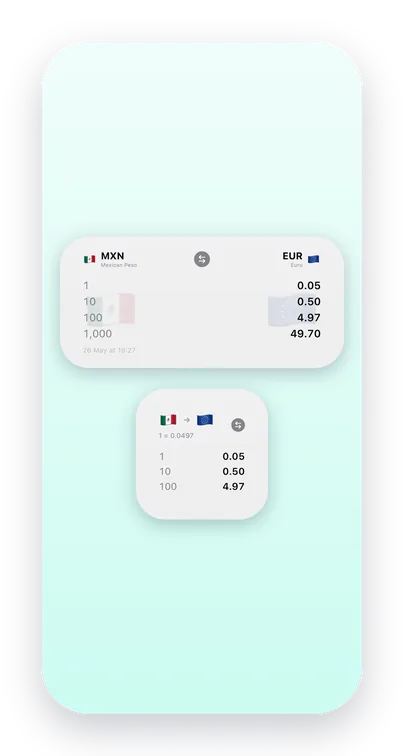
Widgets
Rate alerts
Apple Watch
Free · iPhone (iOS 17 or later) · Android · QuickFX Pro on iPhone
Coming to iPhone Duo
Unfold the phone and QuickFX turns into an FX board: your main pair at the top, every saved pair underneath with its own mini chart. The board will be free for everyone.
Why QuickFX
QuickFX started with a simple problem: checking an exchange rate while travelling shouldn't take five taps and a data connection. So it works offline with the last rates you downloaded, and the widgets put the rate on your Home Screen.
Version 3.0 is for the menu in front of you. Point the camera at it and QuickFX Pro converts every price where it's printed, with your card's fee added if you like.
It's built for travellers, freelancers with clients abroad, and anyone who converts prices in their head more often than they'd like.
The converter is free and always will be. No ads, no account. QuickFX Pro is a yearly subscription for the extras. Built and maintained independently from Switzerland.
- Rates for 160+ currencies on iPhone, updated every hour
- Home Screen and Lock Screen widgets, rate alerts and an Apple Watch app
- In English, Deutsch, Français, Italiano, Español and Português
- Price scanning happens on your iPhone
- No ads, no account, and it collects no data
Screenshots